Pixel Alchemist
A downloadable tool
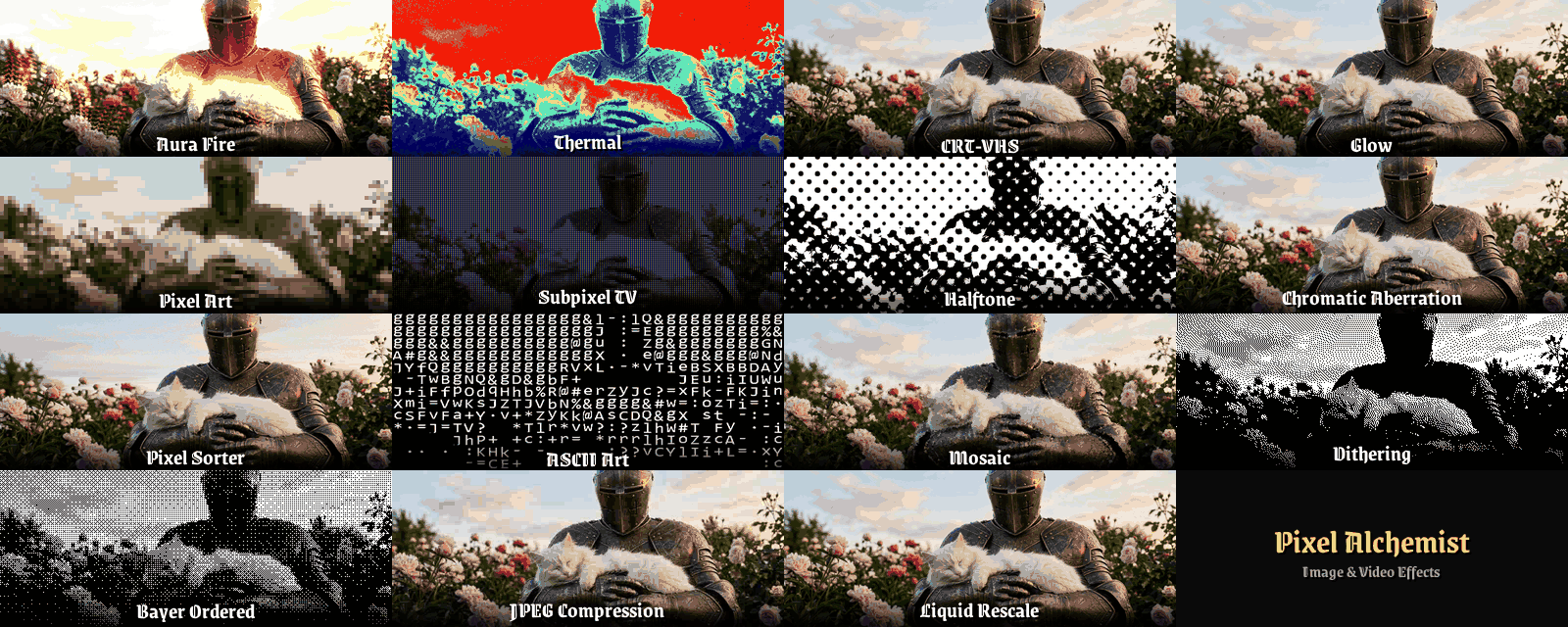
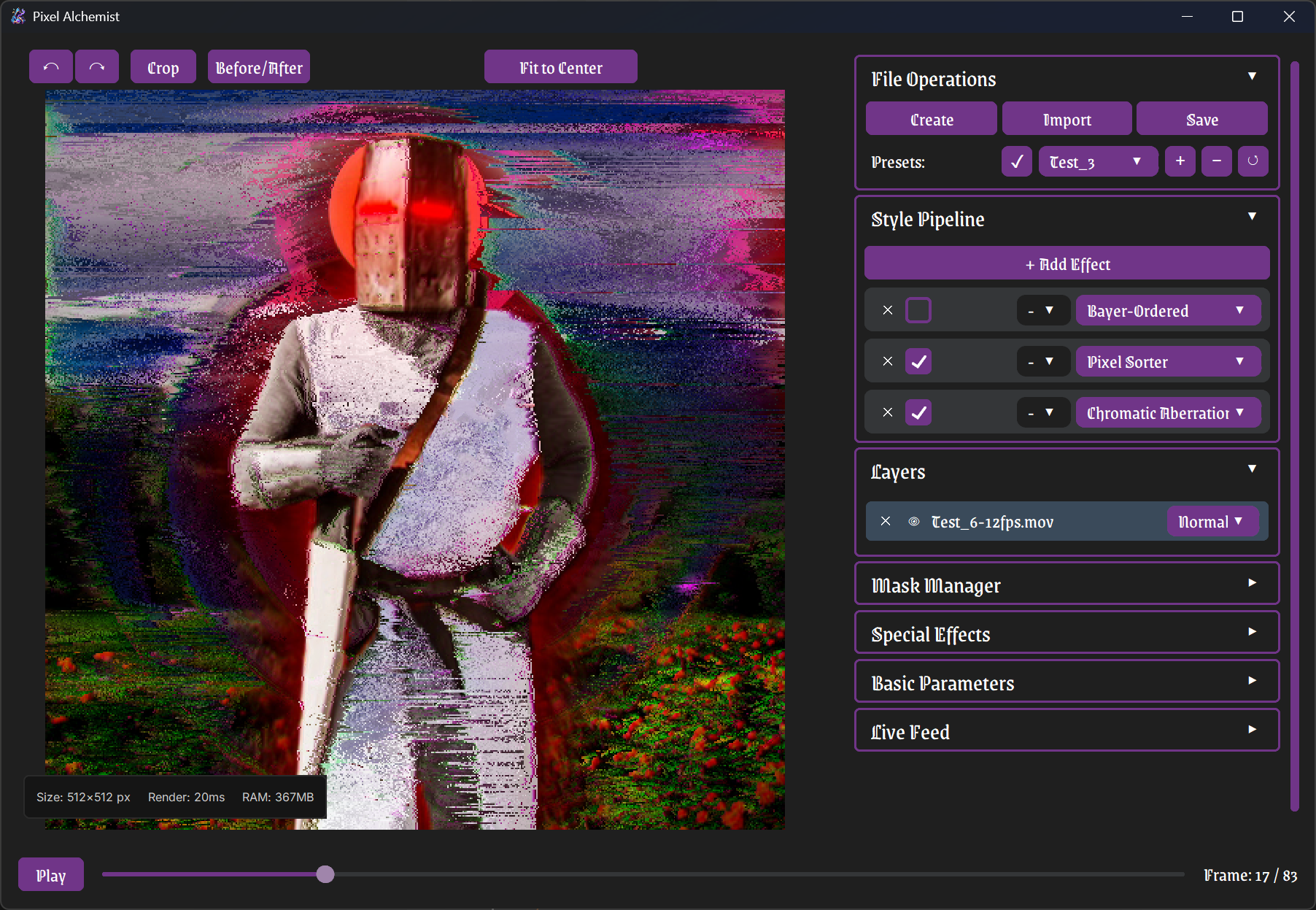
Pixel Alchemist is a lightweight desktop playground for images and video. Layer 19 different effects in any order, tweak parameters on the fly, use shape masks, and process video frame by frame. Built out of pure frustration with heavy software. Free for Windows.
The Effects Arsenal
Dithering
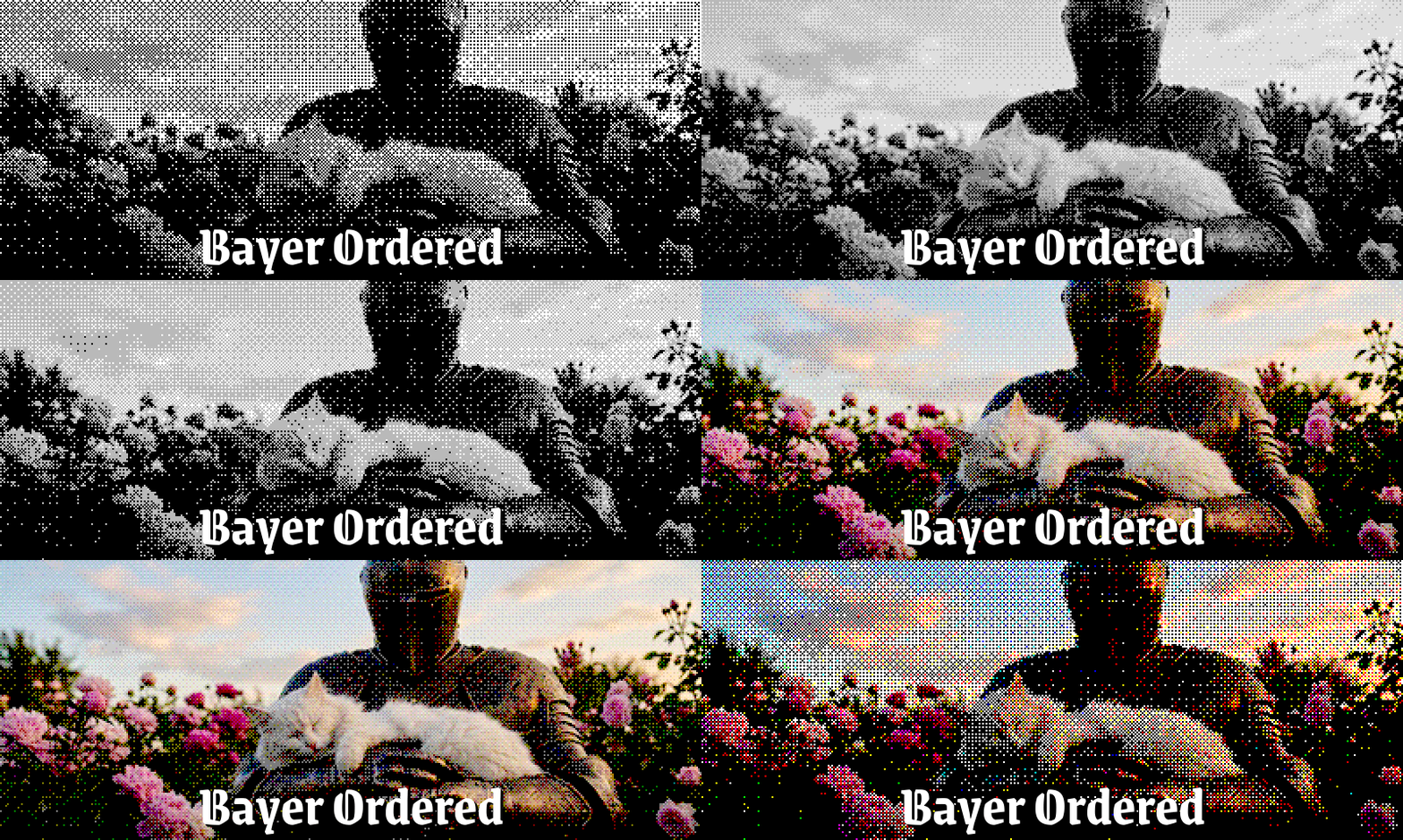
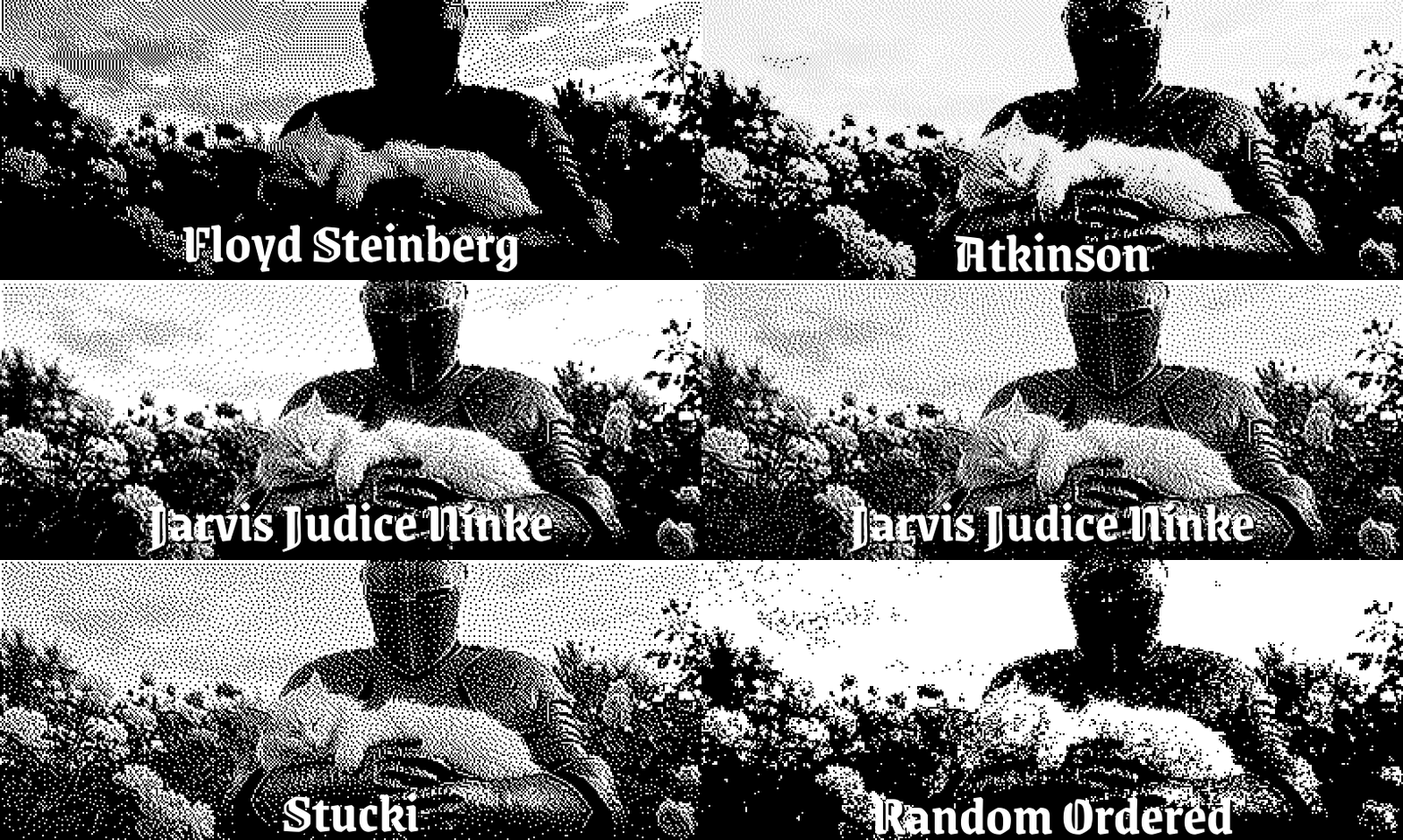
The project originally started as a simple dithering tool, so this part is deeply customizable. You get 6 distinct algorithms:
- Bayer-Ordered: That classic, mathematical halftone look. You can customize the matrix size to get chunkier or finer patterns.
- Floyd-Steinberg & Stucki: Great for smooth, natural error-diffusion transitions. Stucki gives slightly sharper edges and its own unique texture.
- Atkinson: A beautiful, soft vintage aesthetic. It discards some noise, giving you cleaner, brighter highlights.
- Jarvis-Judice-Ninke & Random: JJN delivers highly refined, balanced contrast, while Random adds an organic, grainy, chaotic finish.
Glitch, Art & Retro FX
- Pixel Sorter: Drops pixels down by brightness or color. Perfect for dragging out those abstract, bleeding glitch lines.
- Datamosh (Video only): Intentionally breaks your video by stripping out keyframes. If you want that surreal, melting pixel-smearing effect, this is it.
- CRT / VHS & TV Screen: Scanlines, tape artifacts, and actual subpixel rendering to mimic a hardware tube television display.
- Liquid Rescale: Content-aware resizing (seam carving). It squishes and distorts images while trying to keep the main subjects intact. Looks beautifully cursed.
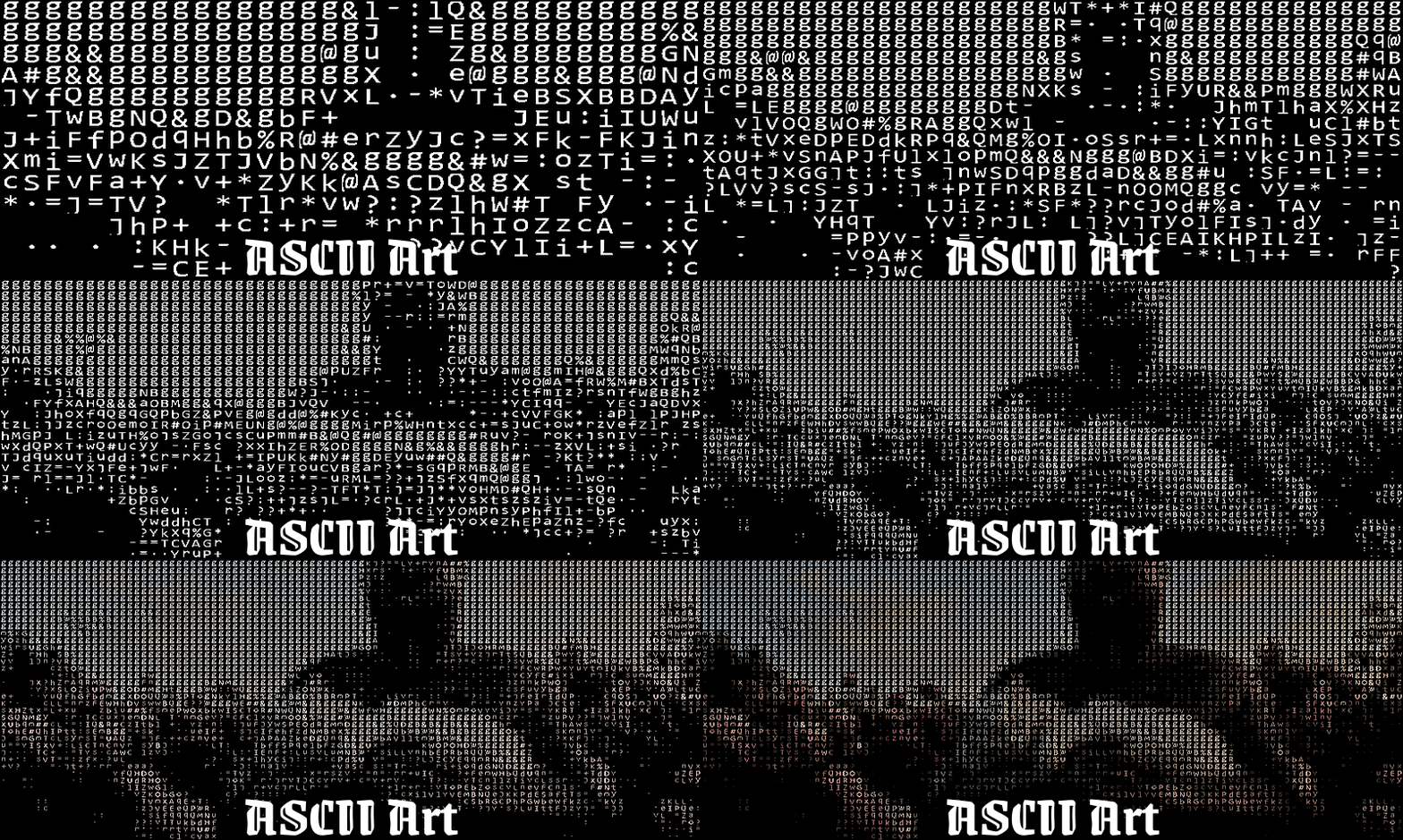
- ASCII Art: Maps image brightness to text characters. Instantly turns any video or photo into code-art.
- Chromatic Aberration: Shakes up the color channels to simulate bad camera lenses or heavy radiation.
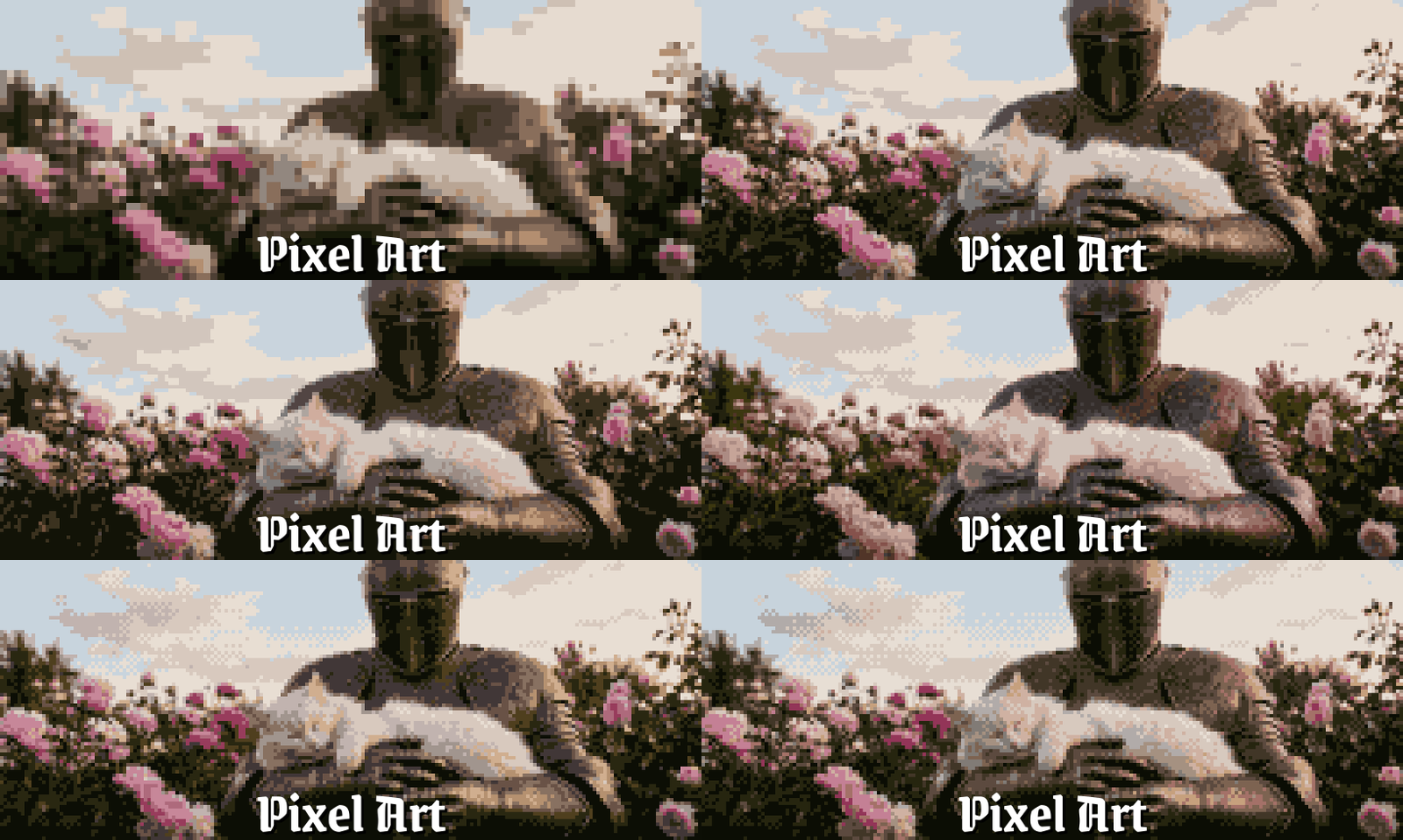
- Pixel Art & Mosaic: Pixelation paired with heavy palette reduction for that authentic, low-res sprite aesthetic.
- Thermal: Infrared false-color mapping.
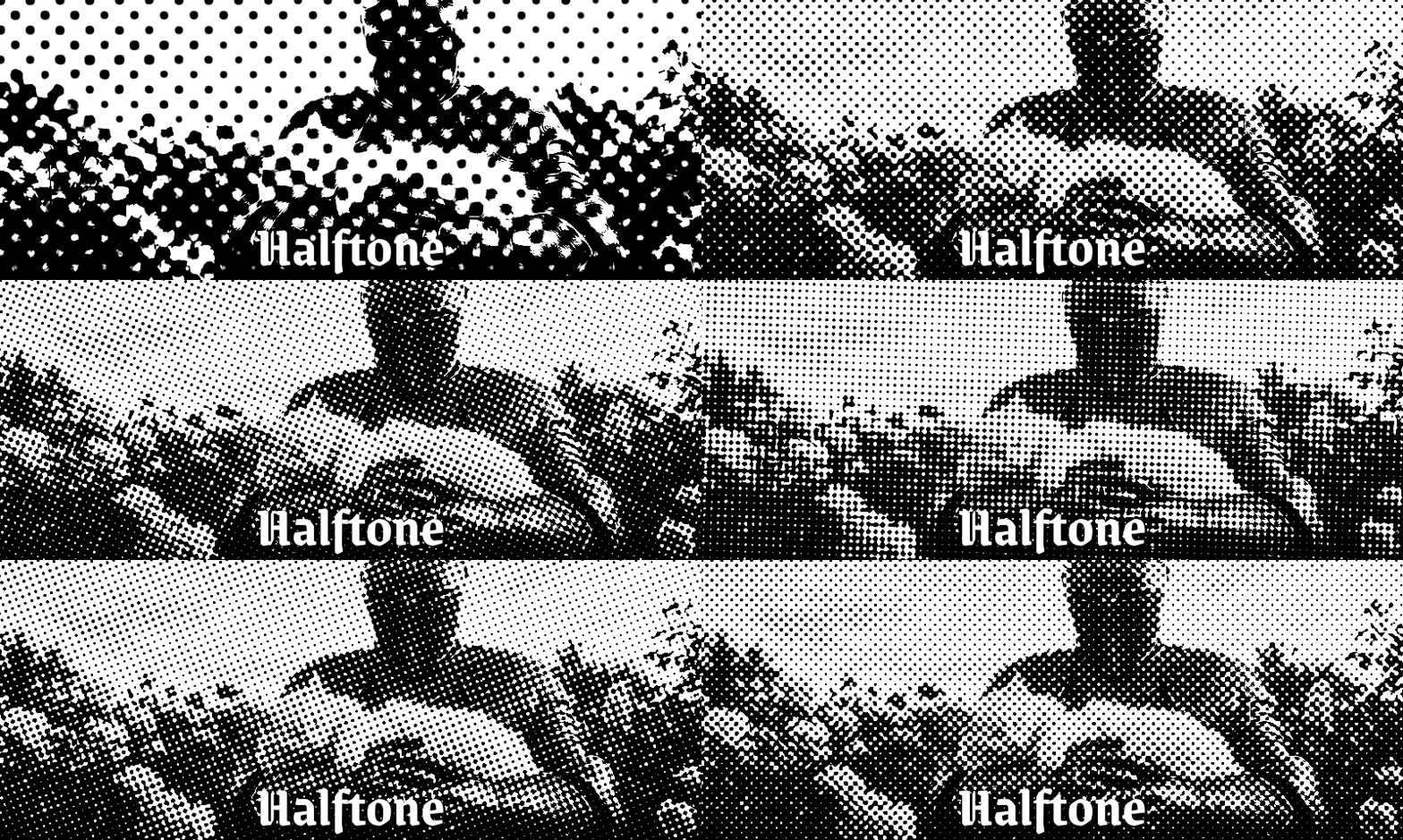
- Halftone: Retro print-media dot patterns with adjustable angles and sizing.
- Glow, Aura & Fire: Everything from subtle bloom and vintage light leaks to procedural particle-style fire running along the edges of your subjects.
- Glitch: Good old digital corruption and data block artifacts.
Core Workflow Features
- Layers & Masks: Import multiple images, move and resize them, and mess around with 7 blend modes. You can isolate effects using vector shapes like rectangles, ellipses, polygons, stars, or hexagons.
- Video Support: Drop in MP4, MOV, MKV, WebM, or AVI files. Process them frame-by-frame and export the result as an MP4, WebM, high-quality GIF, or a raw PNG sequence.
- Live Webcam Stream: You can actually map this entire effects chain onto your live camera feed. Note: To broadcast this to Discord or Zoom, it hooks into OBS Virtual Camera, so you’ll need OBS Studio installed.
- JSON Presets: Found a crazy combination of effects? Save it as a named preset, or export the JSON file to share it with someone else.
The Technical Catch (Please read)
It's built in Python. This means it’s not a blazing-fast, perfectly optimized C++ app. While heavy processes (like Datamoshing or Liquid Rescaling) run on background threads to keep the UI from freezing, you will definitely hit speed bottlenecks on longer videos.
Windows SmartScreen Warning: The app is not digitally signed because I can't justify paying hundreds of dollars in annual corporate fees for a free hobby project. Windows will likely flag the portable executable on the first launch. You'll just need to click "More info" and then "Run anyway".
Windows only for now.
Why is it free?
I originally built Pixel Alchemist because I needed a quick, lightweight tool for my own motion design workflow. Keeping it locked on my hard drive felt wrong, so I'm putting it out there. If it helps you create something cool, or saves you from opening heavy software for a 5-second retro loop—that's more than enough for me.
Download
Click download now to get access to the following files:
Development log
- Pixel Alchemist v1.1.0 — Now on itch.io2 hours ago
Leave a comment
Log in with itch.io to leave a comment.