PixelAlchemy - Blender Compositor Nodes
A downloadable tool
PixelAlchemy is a free pack of seven compositor nodes for Blender 5.2+ that give your renders a retro screen, print or pixel look: CRT, Display, CMYK Halftone, Pixel Art, Pixel Art Palette, Dithering and ASCII. Each one is a regular node group made from Blender's own compositor nodes - no add-on, just one asset library. Drop a node between Render Layers and the output and tweak it while you watch.
The Nodes
Screens
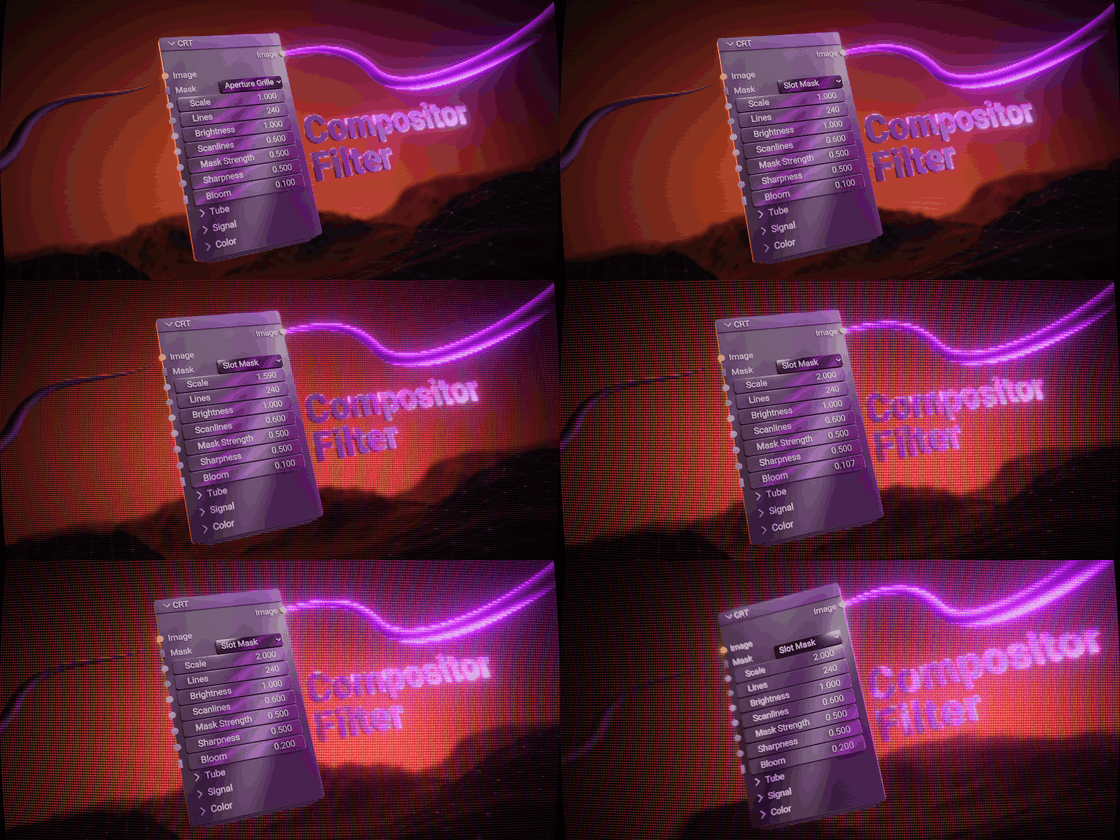
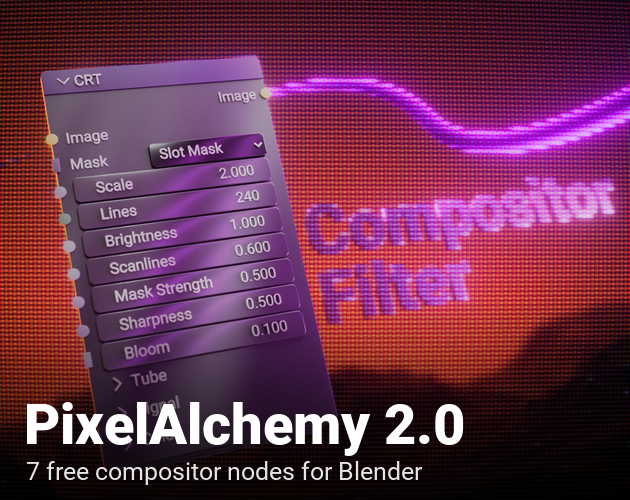
- CRT: A tube TV that is simulated rather than laid on top. The beam draws scanlines that swell on bright lines, then a phosphor mask - Aperture Grille, Slot Mask, Shadow Mask or your own image - sits behind curved glass with rounded corners. The Tube, Signal and Color panels add overscan, convergence, vignette, noise, flicker, a rolling picture and color temperature.
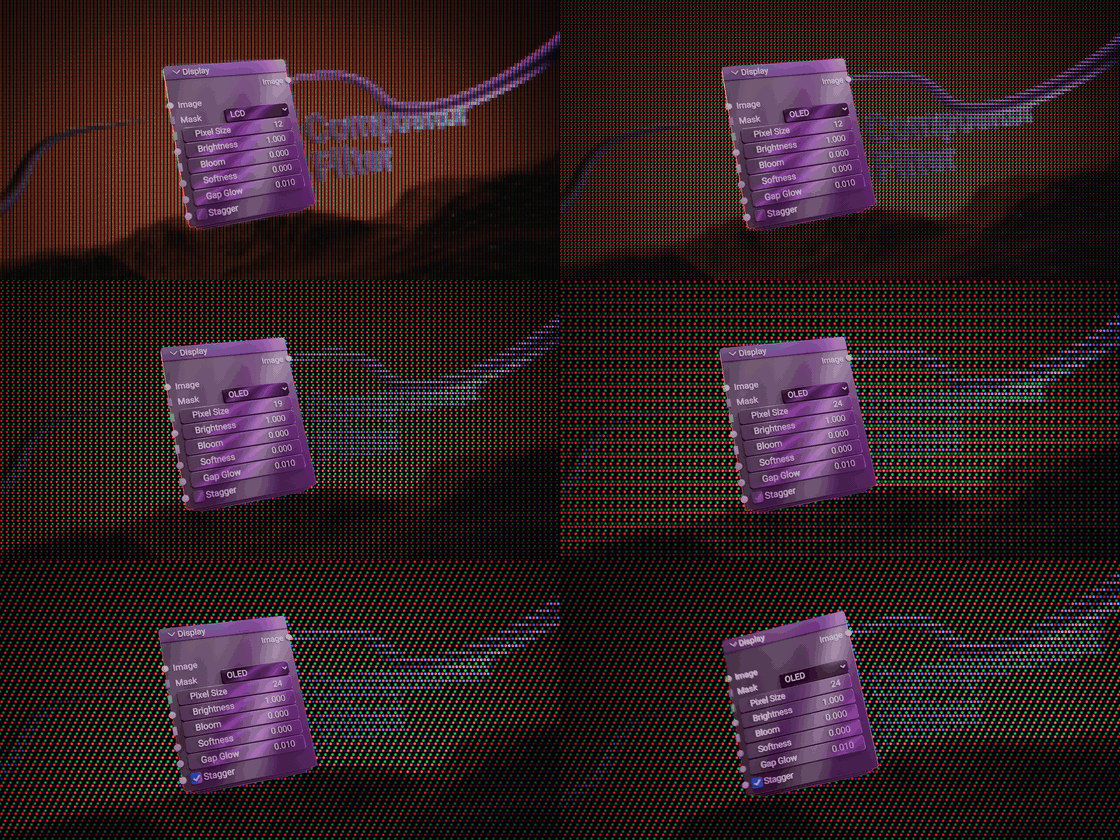
- Display: A modern screen under a macro lens. LCD, LCD Rounded, VA, IPS or OLED subpixels (or your own mask), with pixel size, bloom, softness, gap glow and staggered rows.
Print & Pixels
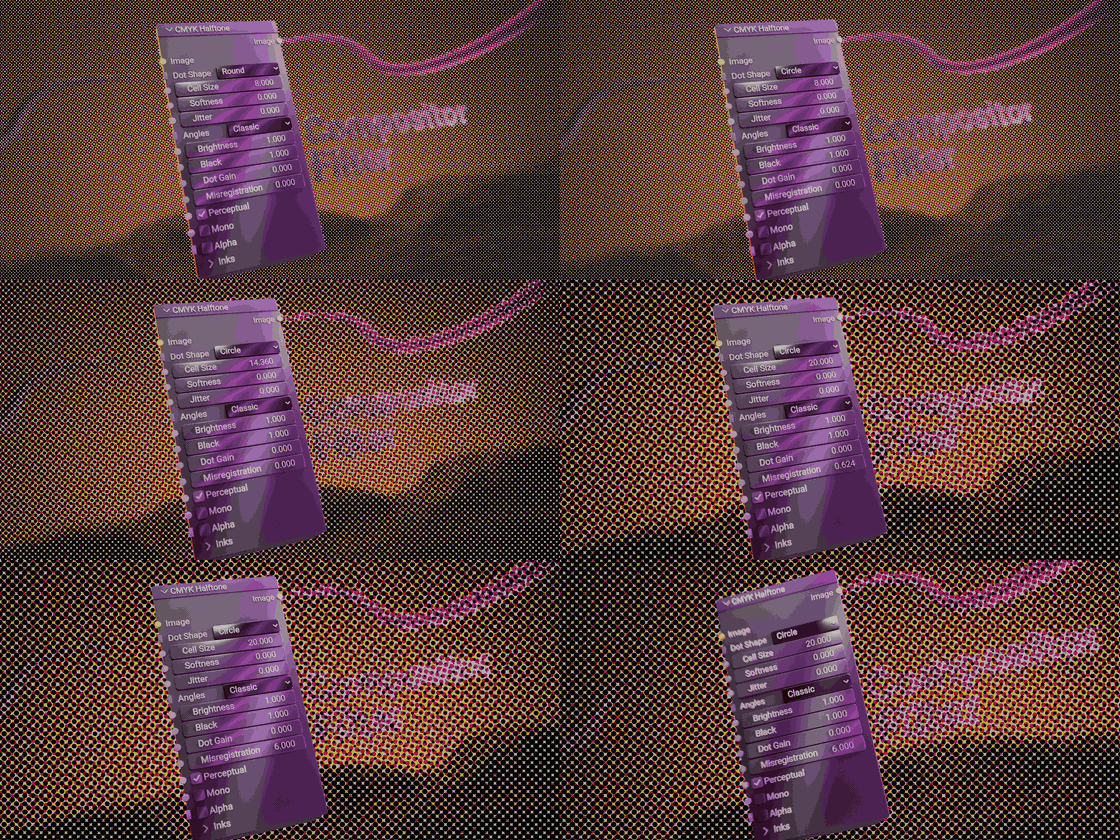
- CMYK Halftone: Cyan, magenta, yellow and black screens, each at its own angle, printed on warm paper. Round, Circle, Square, Diamond or Line dots, jitter, black generation, dot gain and misregistration, plus a mono mode and your own inks. Each dot shape has its own tone correction, so tiny dots still land on the right brightness.
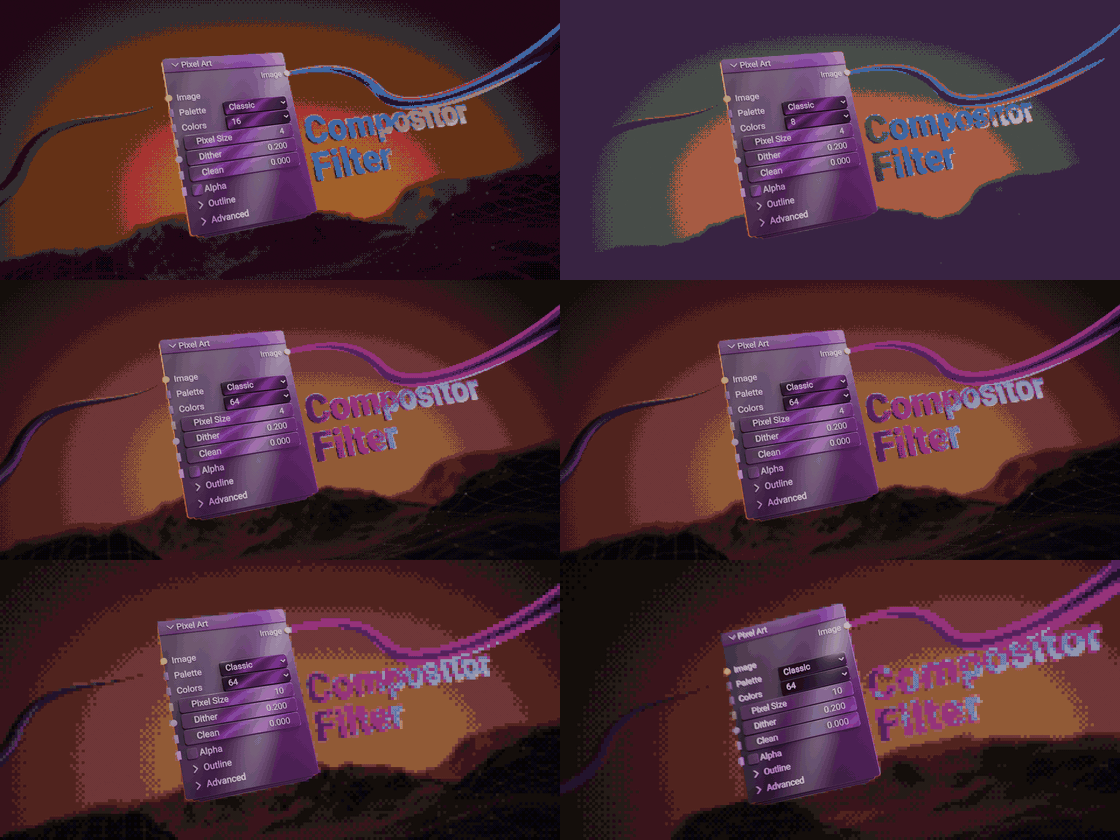
- Pixel Art: Flat, clean pixel art for when dithering is too noisy. Every art pixel takes the average color of its area and snaps to the palette color that looks closest (OKLab). Two palette families, Classic and Soft, from 8 up to 256 colors, plus outlines, dither and a clean-up of stray pixels.
- Pixel Art Palette: Pixel Art with your own colors - plug in an image 1 pixel tall with up to 16 colors. Leave it empty and it behaves exactly like Pixel Art.
The Originals
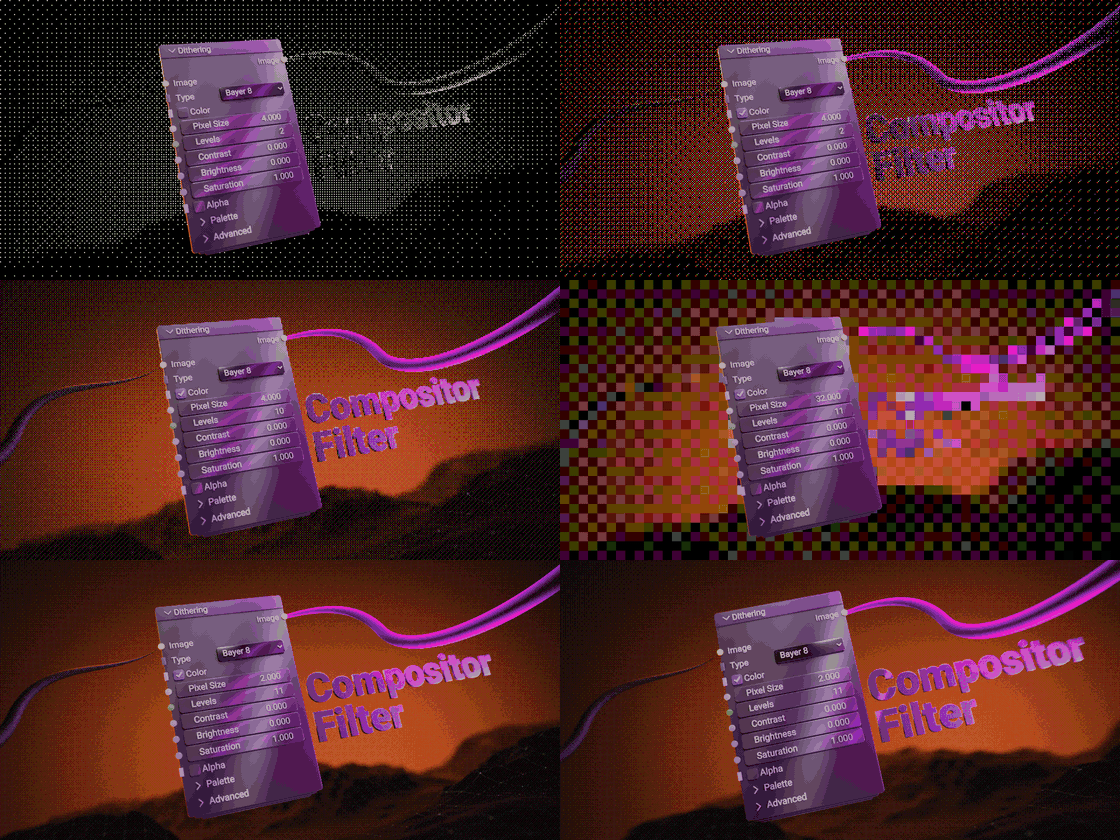
- Dithering: Where the pack started. Bayer 8, 4 and 2, Blue-Noise, Clustered-dot or your own pattern, in color or black and white, with palettes (Green LCD, CGA, Amber, Sepia or your own image) and a pattern that can move every frame.
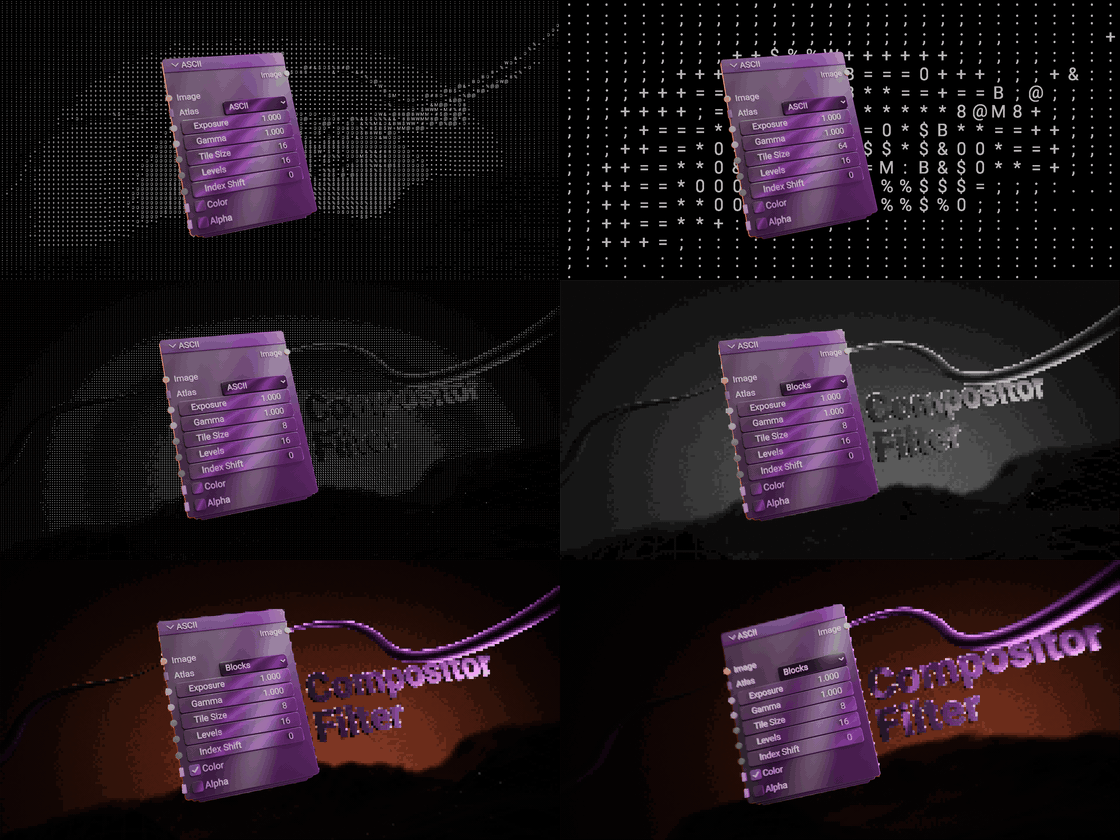
- ASCII: Text art out of your render. ASCII, Halftone, Blocks or Braille glyphs, or your own atlas with up to 256 tone levels, in color or plain, on a transparent background if you want one.
Installing
- Unzip the PixelAlchemy folder anywhere, for example D:\Blender\PixelAlchemy.
- In Blender: Edit > Preferences > File Paths > Asset Libraries > + and pick that folder.
- In the Compositor, open the asset shelf (or the Add menu) and look for the PixelAlchemy catalog.
Coming from 1.0.x? Replace the old file instead of keeping both in the library, or every node shows up twice.
The Technical Catch (Please read)
It only runs in Blender 5.2 or newer. The file is saved in 5.2, and 5.0 or 5.1 open it with inputs missing.
Look at the result at 1:1 - in a final render, or in the Image Editor at 100%. The viewport and the compositor backdrop show a shrunken frame, so fine masks, dots and glyphs can turn into moiré there that never makes it into the render.
Every node costs some GPU time, and the compositor computes every connected branch, even the one a Switch doesn't pick. With Cycles in the viewport, keep one effect connected at a time. Pixel Art is the slowest of the seven.
Why is it free?
PixelAlchemy grew out of my own experiments with the new compositor in Blender 5.0. It started as two filters, and I kept adding the looks I wanted for my own renders. It's CC0, so use it in anything, commercial work included, no credit needed. If it ends up in one of your projects, I'd love to see it.
The Classic and Soft palettes in Pixel Art are free palettes from Lospec by DawnBringer, Adigun A. Polack, Conker, GrafxKid and Kerrie Lake (the full list is in the README).
Into this kind of look outside Blender too? Pixel Alchemist is my free desktop app that does dithering, glitch, CRT and a lot more to images and video: https://romasikkk.itch.io/pixel-alchemist
Download
Click download now to get access to the following files:
Development log
Leave a comment
Log in with itch.io to leave a comment.